
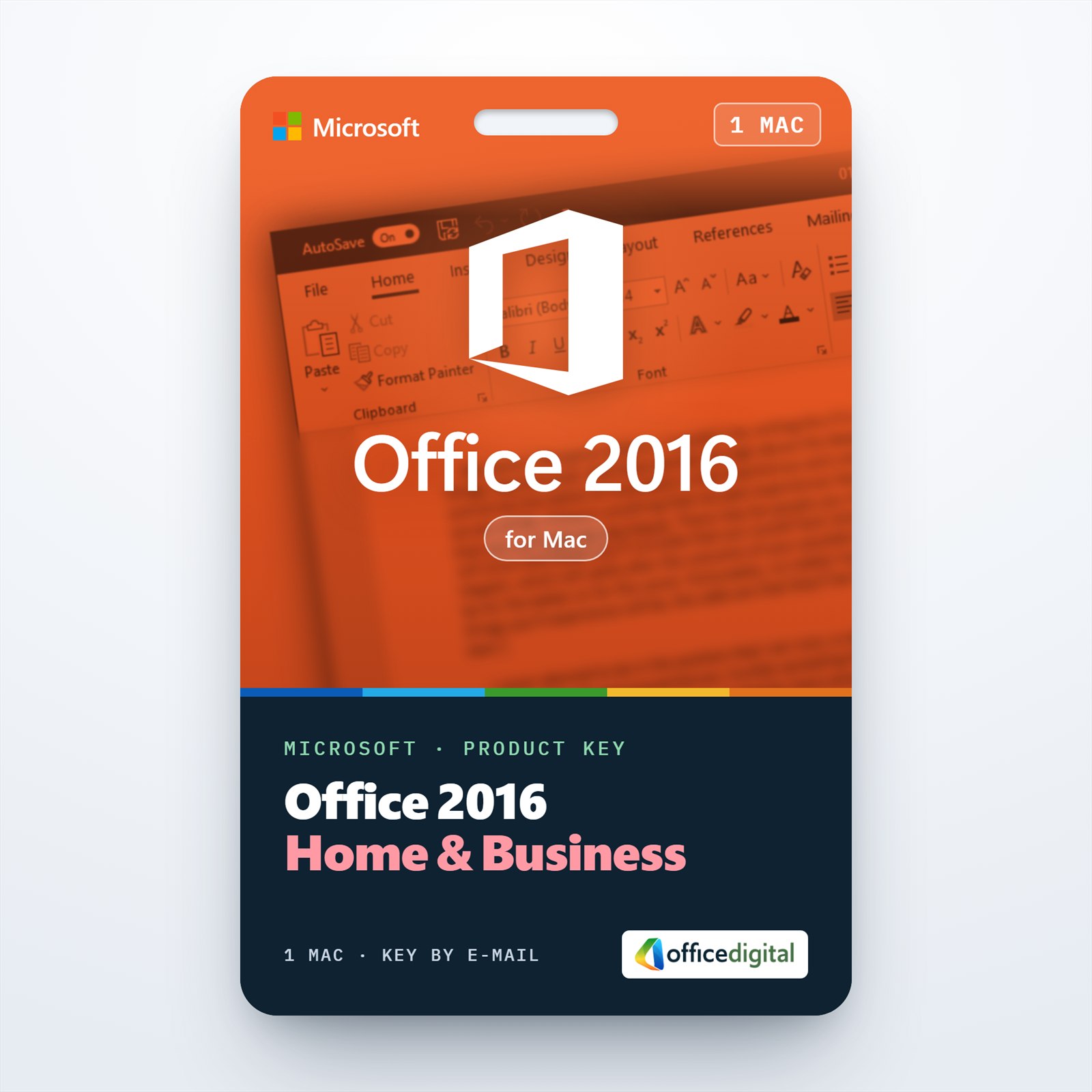
Office 2016 Home & Business (MAC Version)
- License
- Retail
- Delivery
- Instant, by e-mail
- Download
- Official Microsoft
- Brand
- Microsoft
€69,99
One-time payment · no subscription
- Instant delivery to your e-mailkey + download links
- Key won't activate? We replace itunused keys: refund within 7 days
- Official invoice with every order
- 24/7 live chat help with activation
Office 2016 Home & Business for one Intel-based Mac with Word, Excel, PowerPoint, Outlook and OneNote. Microsoft’s listed minimum is OS X 10.10; paid once, nothing renews.
What you get with Office 2016 Home & Business for Mac
Office 2016 Home & Business for Mac is the 2016 Mac suite with Word, Excel, PowerPoint, Outlook and OneNote, licensed for one Mac. Microsoft’s requirements for it are an Intel-based Mac and OS X 10.10 Yosemite or later, so it is mainly an option for older Intel Macs. Home & Business includes Outlook and covers business use as well as home use; it is a single payment and nothing renews. The key, a link to Microsoft’s installer and setup steps come by e-mail; the PDF invoice follows when the order is completed.
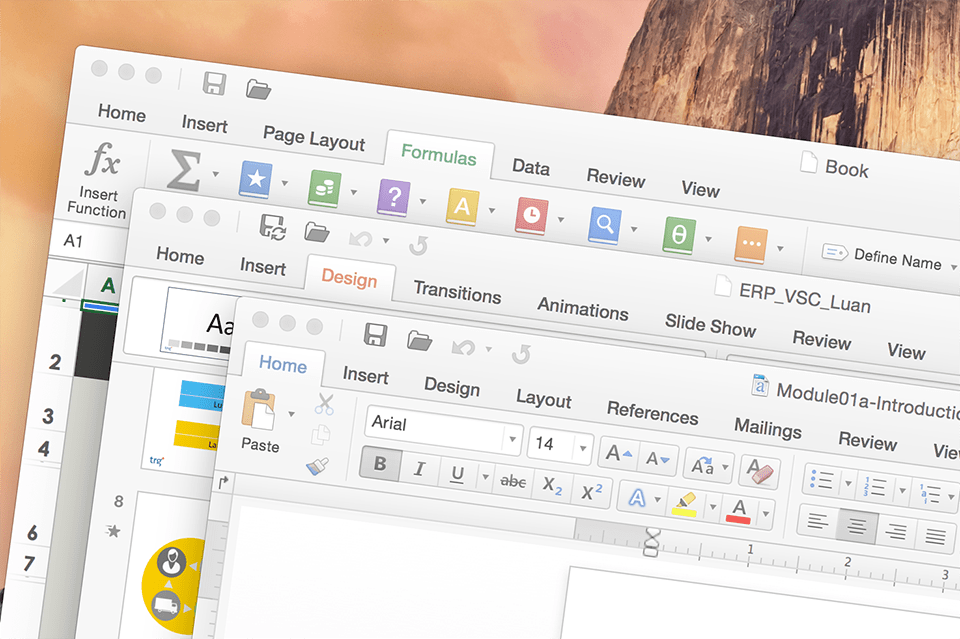
The apps in Office 2016 Home & Business for Mac
- Word 2016 for Mac writes and reviews documents with tracked changes and comments, and opens and saves .docx files shared by Windows users.
- Excel 2016 for Mac builds spreadsheets with formulas, charts and PivotTables in the same .xlsx format that Excel for Windows uses.
- PowerPoint 2016 for Mac includes Presenter View, which shows your notes and the next slide on your screen while the audience sees the current slide.
- Outlook 2016 for Mac brings mail, calendar and contacts together; certain advanced features need a connection to Exchange Server or Exchange Online.
- OneNote 2016 for Mac stores notes, checklists and clippings in notebooks.
Is the 2016 edition right for your Mac?
Choose Office 2016 when your Mac has an Intel processor and runs a macOS release too old for newer Office versions. For a Mac with Apple silicon, or one on a current macOS, Office Home & Business 2021 for Mac is the edition Microsoft lists for the latest macOS releases and it runs natively on M-series chips. Office 2019 Home & Business for Mac sits between the two. Access and Publisher are not available on the Mac; Office 2016 Professional Plus is the Windows suite that contains them.
How to activate Office 2016 Home & Business for Mac
- Load setup.office.com in a browser and click Get Started.
- Log in to the Microsoft account that will hold the license (the page also creates new accounts).
- Type the product key, click Next, choose your language and click Redeem. The Office 2016 for Mac installer package downloads.
- Run the package from the Downloads folder and confirm with your Mac administrator password when the installer asks.
- Open Word, choose Sign in in the activation window and enter the same account. Once activated, Word → About Word shows the 2016 version.
For screenshots of every step, see our Office 2016 Home & Business for Mac activation guide. Our 24/7 live chat and e-mail support step in if activation doesn’t finish.
System requirements
| Computer and processor | A Mac computer with an Intel processor |
|---|---|
| Operating system | Mac OS X version 10.10 or later (Microsoft’s listing for Office 2016 for Mac) |
| Memory | 4 GB of RAM |
| Hard disk | 6 GB of available space; HFS+ format (Mac OS Extended) |
| Display | 1280 × 800 or higher resolution |
| Other | Internet connection and Microsoft account for redeeming and activating |
Questions about Office 2016 Home & Business for Mac
Does Office 2016 run on a Mac with an M1, M2 or later chip?
Microsoft listed Office 2016 for Mac for Macs with an Intel processor only. For an Apple silicon Mac, Office Home & Business 2021 for Mac is the edition Microsoft documents for those chips.
How do I check whether my Mac fits?
Open the Apple menu → About This Mac: it shows the processor (Intel or Apple) and the macOS version. If you are unsure, send that information to our support team before you order.
Does the Mac suite include Publisher or Access?
No. Neither app exists for macOS; the Mac suite has Word, Excel, PowerPoint, Outlook and OneNote.
Be the first to review “Office 2016 Home & Business (MAC Version)”
You must be logged in to post a review.
- Genuine Retail licenses. Every key is a genuine license that activates with Microsoft, or with ESET or Avast for antivirus. Unless the License line next to the price says OEM, it is a Retail license.
- Replacement if a key won't activate. Contact our support on live chat or by e-mail, day or night: we help you finish the activation or send a replacement key.
- Refund for unused keys. A key that has not been redeemed can be refunded within 7 calendar days of purchase, as set out in our Refund Policy.
- Invoice and instructions. Every order comes with a PDF invoice and instructions to download, install and activate the software.
You may also need
Reviews
There are no reviews yet.