
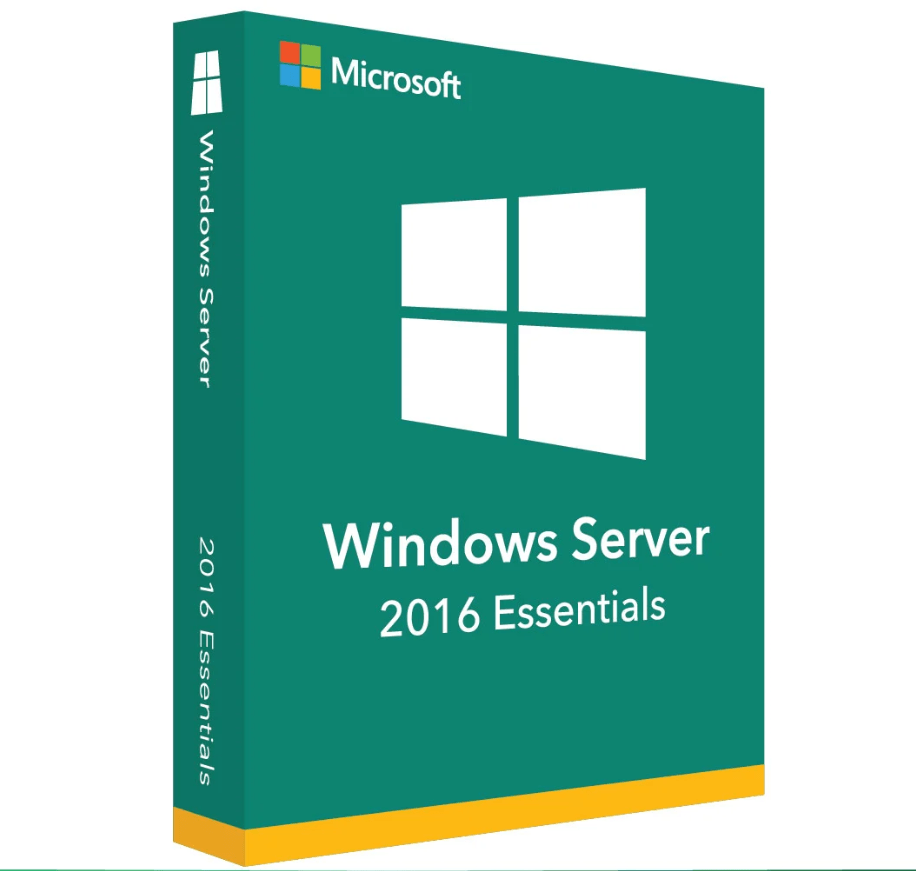
Microsoft Windows Server 2016 Essentials
€41,99
Microsoft Windows Server 2016 Essentials delivers a simplified, cost-effective server platform designed for small businesses with up to 25 users and 50 devices. Enjoy essential networking, security, and storage features in a user-friendly environment that’s easy to deploy and manage – perfect for growing organizations.
🟢One-time payment 🟢 Instant Delivery to your Email
Microsoft Windows Server 2016 Essentials: Lightweight, Secure, and Ideal for Small Offices
Empower your small business with Microsoft Windows Server 2016 Essentials, an edition specifically designed to handle up to 25 users and 50 devices. Combining robust security, straightforward management tools, and hybrid cloud capabilities, Essentials 2016 helps you secure data, streamline daily operations, and seamlessly integrate on-premises workloads with cloud services – all at a fraction of the cost of higher-tier editions.
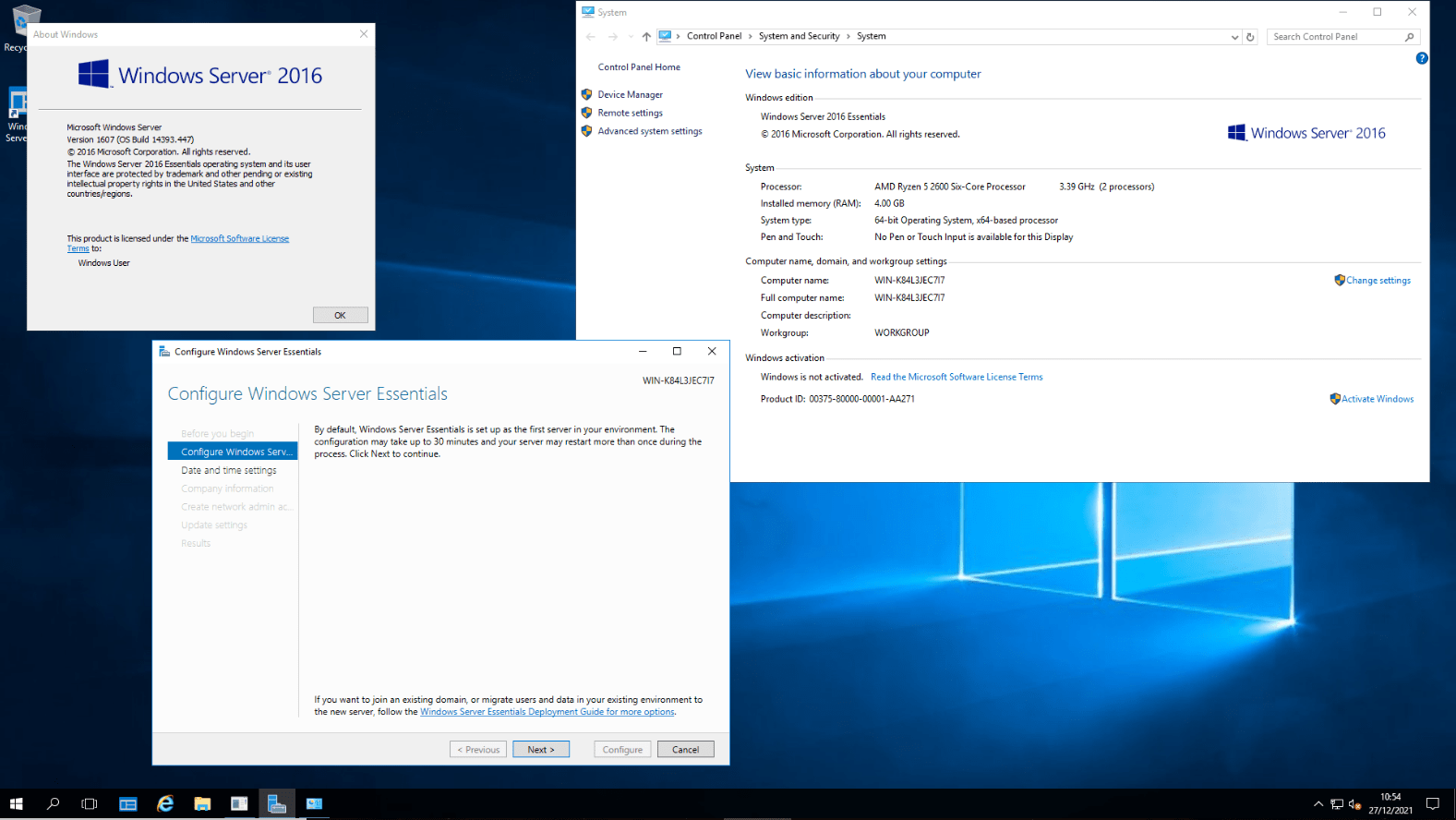
Key Features & Benefits
-
User-Friendly Management
-
Enjoy a simplified interface and dashboard tailored for small office environments, easing everyday administrative tasks.
-
-
Enhanced Security
-
Leverage improvements like Shielded VMs, Just-In-Time Administration, and secure defaults to protect your infrastructure and data.
-
-
Cost-Effective Licensing
-
Eliminate the need for additional CALs (Client Access Licenses) as Essentials is licensed by user/device limits – up to 25 users and 50 devices.
-
-
Hybrid Cloud Integration
-
Back up your server to Microsoft Azure or leverage other cloud-based solutions for extended disaster recovery and remote access scenarios.
-
-
Simplified File & Print Services
-
Provide reliable file sharing, folder permissions, and print management for small offices, with minimal overhead and easy setup.
-
Why It’s Better Than Its Predecessors
-
Stronger Security Model
-
Builds upon Windows Server 2012 R2 with enhanced features like secured connections, advanced threat detection, and updated cryptographic standards.
-
-
Streamlined Deployment
-
Faster setup wizard and improved migration tools help small businesses upgrade from older Windows Server Essentials versions with minimal downtime.
-
-
Better Performance & Scalability
-
Supports newer hardware, optimized memory usage, and efficient resource allocation for growing workloads.
-
-
Improved Integration with Microsoft 365
-
Link user accounts to Microsoft 365 for email and collaboration, extending your productivity suite effortlessly.
-
-
Refined Remote Access
-
Enhanced remote web access and VPN features facilitate remote file sharing and server management, perfect for distributed teams.
-
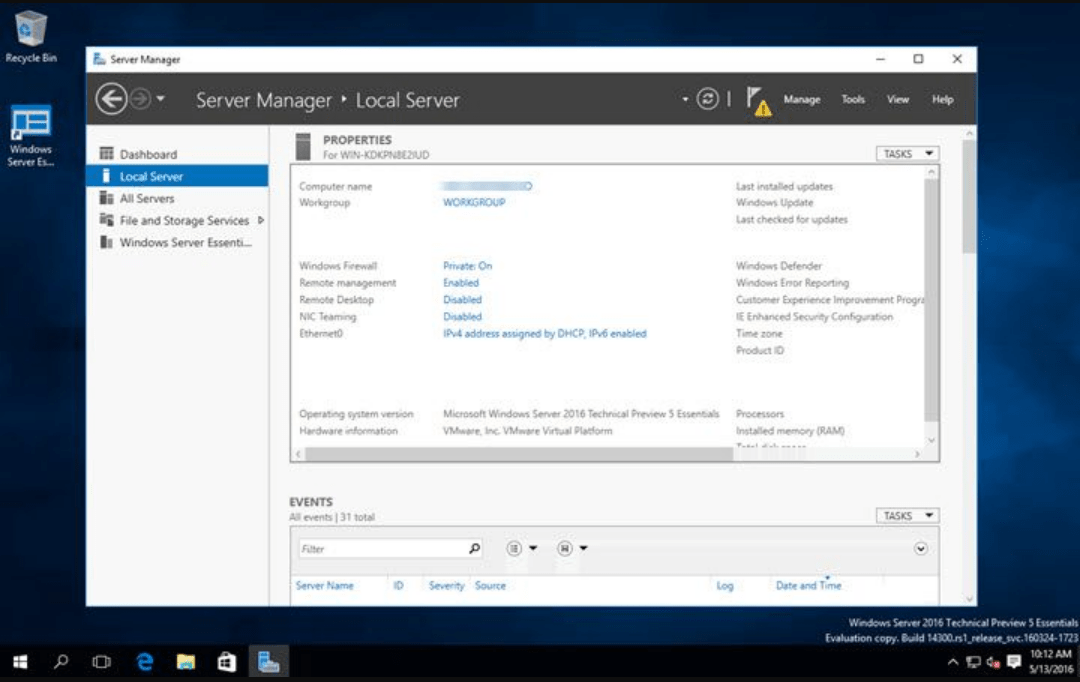
Top 5 Frequently Asked Questions (FAQ)
-
Is Windows Server 2016 Essentials suitable for more than 25 users?
-
No. Essentials targets smaller organizations with up to 25 users or 50 devices. For more extensive needs, consider Standard or Datacenter editions.
-
-
Does Essentials require separate Client Access Licenses (CALs)?
-
Generally, no. Windows Server Essentials is licensed by user/device limits, making it a straightforward solution for small environments.
-
-
How does Essentials differ from Windows Server 2016 Standard?
-
Essentials has fewer features (e.g., no Hyper-V Replica, limited virtualization) but covers core server needs like file, print, and user management in a simpler package.
-
-
Can I integrate with Microsoft 365 or Azure for backups?
-
Yes. Essentials supports linking user accounts to Microsoft 365 and uses Azure for offsite backups, disaster recovery, and extended cloud services.
-
-
Is an in-place upgrade from Server 2012 R2 Essentials possible?
-
Typically, yes. Follow Microsoft’s official migration documents to ensure a smooth upgrade path, maintaining user data and configurations.
-
System Requirements
Here is a quick-reference table for Windows Server 2016 Essentials:
| Component | Minimum Requirements | Recommended Requirements |
|---|---|---|
| Processor (CPU) | 1.4 GHz (64-bit processor) | 2.0 GHz or faster multi-core |
| RAM | 2 GB | 8 GB or more if running multiple server roles |
| Hard Disk Space | 32 GB | 40 GB+ (for additional features & data) |
| Network Adapter | Gigabit Ethernet | High-speed Ethernet for improved throughput |
| Display Resolution | Super VGA (1024 × 768) or higher | Higher resolutions for better admin console UX |
| Internet Connection | Required for updates & certain online features | Broadband recommended for cloud integration |
Installation & Activation Guide
We have prepared a detailed guide explaining how to create installation media, set up server roles, and enter your license key. Following this step-by-step guide: Windows Server 2016 Installation and Activation Guide.
Be the first to review “Microsoft Windows Server 2016 Essentials”
You must be logged in to post a review.
✅ All the licenses we provide are original and can be used with your account on the official website to access the software.
✅ Every license includes detailed instructions on how to download, install, and activate the software
✅ For any issue, please connect with us via live chat. Our support team will promptly assist you in resolving the problem or provide a replacement if necessary.
Related products
Development
Full Catalog
Development
Development
Reviews
There are no reviews yet.