
-
×
 Office 2021 Professional Plus Bind (1PC) License
1 × $212,06
Office 2021 Professional Plus Bind (1PC) License
1 × $212,06 -
×
 Visio 2019 Professional (1PC)
1 × $51,24
Visio 2019 Professional (1PC)
1 × $51,24 -
×
 Visio 2021 Professional (1PC) License
1 × $56,54
Visio 2021 Professional (1PC) License
1 × $56,54 -
×
 Office 2016 Professional Plus Bind
1 × $53,00
Office 2016 Professional Plus Bind
1 × $53,00
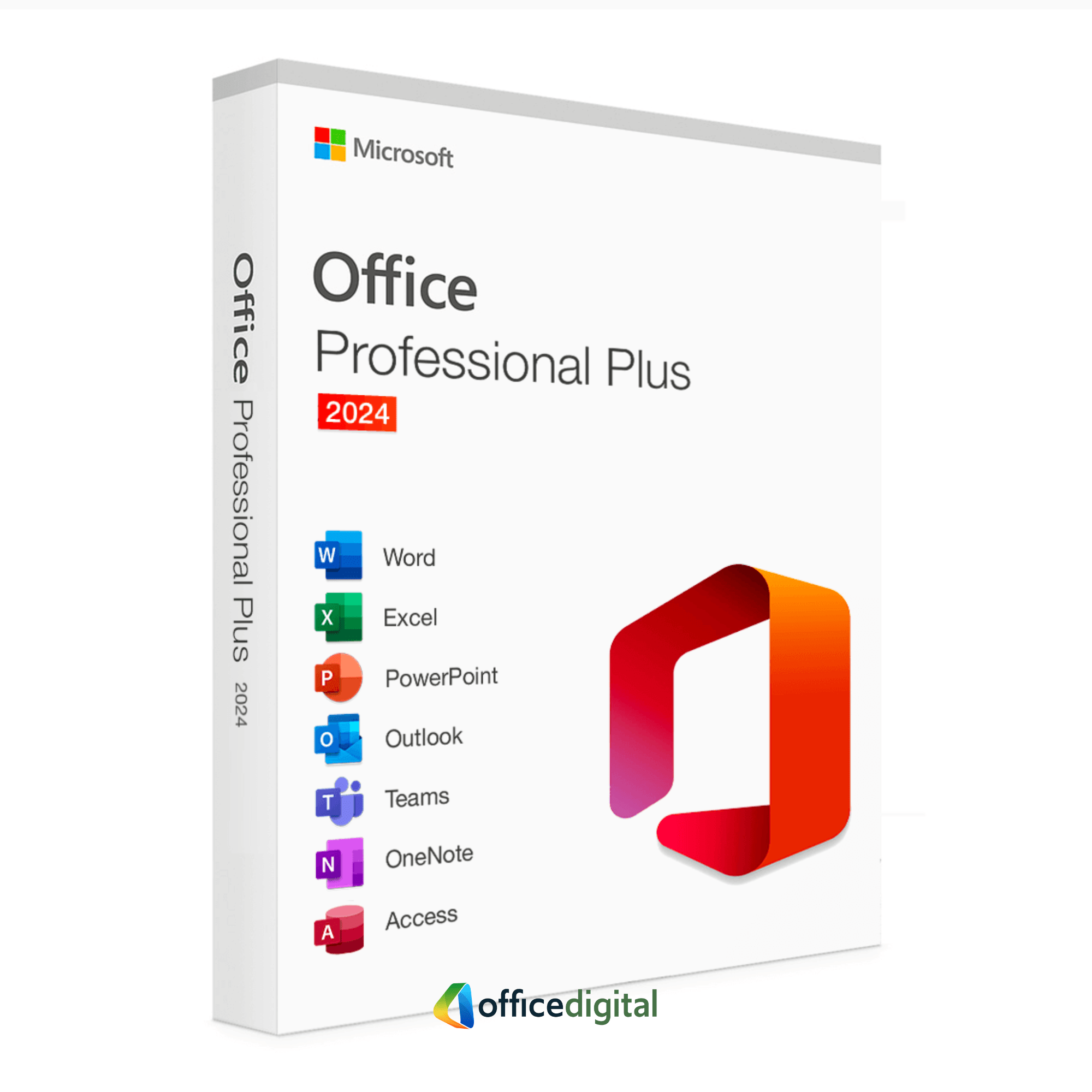
Office 2024 Professional Plus (5PC) LTSC
- Licence
- 5 PC
- Delivery
- Instant, by e-mail
- Download
- Official Microsoft
- Brand
- Microsoft
$141,37
One-time payment · no subscription
- Instant delivery to your e-mailkey + download links
- Official invoice with every order
- Live chat help with activation
Pay with SKU MO24PP1PC-2
A Microsoft Office 2024 Professional Plus (LTSC) license for up to five Windows PCs: Word, Excel, PowerPoint, Outlook, OneNote and Access. One-time purchase, no subscription.
What you get with Office 2024 Professional Plus for 5 PCs
Office 2024 Professional Plus (LTSC), licensed for up to five Windows PCs: Word, Excel, PowerPoint and Outlook, plus OneNote and Access, on each. Publisher is no longer part of Office 2024. You get the key and Microsoft’s download link by e-mail, plus a PDF invoice, and you pay once: nothing renews.
Setting up five computers
Each of the five PCs gets its own installation of Office LTSC 2024 and is activated separately. The machines don’t have to match: one can run Windows 11 and another Windows 10, and each can take the 32-bit or the 64-bit build. Because Office 2024 installs with Microsoft’s Office Deployment Tool, you prepare the setup once and reuse it: the same configuration.xml file works on every desk, and the tool can fetch the installation files into a shared folder a single time with setup.exe /download.
The apps on each PC
- Excel picks up the new text and array functions such as TEXTBEFORE, TEXTAFTER and CHOOSECOLS, and its IMAGE function shows a picture inside a cell.
- Outlook has a reworked search that covers mail, calendar items and contacts.
- PowerPoint adds closed captions to video and audio, and records narrated presentations in its Recording Studio.
- Access reaches data in Microsoft Dataverse through a built-in connector.
- OneNote comes as the desktop app with a new Draw tab.
One point for offices with older files: ActiveX controls are switched off by default in Office LTSC 2024. An administrator can turn them back on where a form or workbook needs them.
Five PCs or one, 2024 or 2021
This license suits a business that wants the same Office version on up to five Windows computers. A single computer needs only Office 2024 Professional Plus. If your team still edits Publisher files, choose Office 2021 Professional Plus for 5 PCs, which keeps Publisher. Our Office 2024 vs Office 2021 article lists what else separates the two versions.
How to activate Office 2024 Professional Plus on five PCs
- Download Microsoft’s Office Deployment Tool and run the file to extract setup.exe into a folder.
- At config.office.com, build a configuration for Office LTSC Professional Plus 2024 – Volume License with your language and 64-bit or 32-bit, and export it as configuration.xml into the same folder.
- Copy the folder to each PC, or keep it on a network share, and run setup.exe /configure configuration.xml from a Command Prompt opened as administrator. The window reports when the products are configured.
- Open Word on that PC. When the activation window appears (or through File → Account → Activate Office), type in the license key from your e-mail and follow the steps on screen.
- Repeat steps 3 and 4 on the remaining machines, typing the same key on all five PCs.
The complete walkthrough with screenshots is our Office 2024 installation guide.
System requirements per PC
| Windows | Windows 11 or Windows 10, or Windows Server 2022 / 2025; Windows 11 on Arm devices |
|---|---|
| CPU | 2 cores at 1.1 GHz or more |
| RAM | 4 GB |
| Storage | 4 GB free |
| Resolution | At least 1280 x 768 (64-bit Office for 4K screens) |
| Graphics | Direct3D 9.1 adapter with WDDM 1.3 driver or newer, for hardware acceleration |
| Rights | Local administrator account to run the installation |
| Connection | Internet to download Office and to activate |
Questions about Office 2024 Professional Plus for 5 PCs
Do I type the same key on all five computers?
Yes. You activate each of the five PCs with the key from your order e-mail, one installation per PC.
Can the five PCs use different languages?
Yes. The language is chosen in the configuration file, so you can export a second configuration.xml with another language for some of the machines.
Does Office 2024 include Publisher on these PCs?
No. Microsoft left Publisher out of Office LTSC 2024; the six apps listed above are what each PC receives.
What if one PC won’t activate?
Our live chat and e-mail support, open 24/7, helps with the activation or sends a replacement key; unredeemed keys can be refunded within 7 days, as described in the refund policy.
Be the first to review “Office 2024 Professional Plus (5PC) LTSC”
You must be logged in to post a review.
✅ We provide an official invoice for every order, ensuring that your license is genuine.
✅ All the licenses we provide are original and can be used with your account on the official website to access the software.
✅ Every license includes detailed instructions on how to download, install, and activate the software
✅ For any issue, please connect with us via live chat. Our support team will promptly assist you in resolving the problem or provide a replacement if necessary.
✅ All the licenses we provide are original and can be used with your account on the official website to access the software.
✅ Every license includes detailed instructions on how to download, install, and activate the software
✅ For any issue, please connect with us via live chat. Our support team will promptly assist you in resolving the problem or provide a replacement if necessary.
You may also need
-73%
Full Catalog
Original price was: $1.023,30.$281,01Current price is: $281,01.

Out of stock
Out of stock
-35%
Out of stock
Full Catalog
Original price was: $530,19.$344,62Current price is: $344,62.
Reviews
There are no reviews yet.