
-
×
 Windows 11 Pro (5PC) License
1 × $104,14
Windows 11 Pro (5PC) License
1 × $104,14
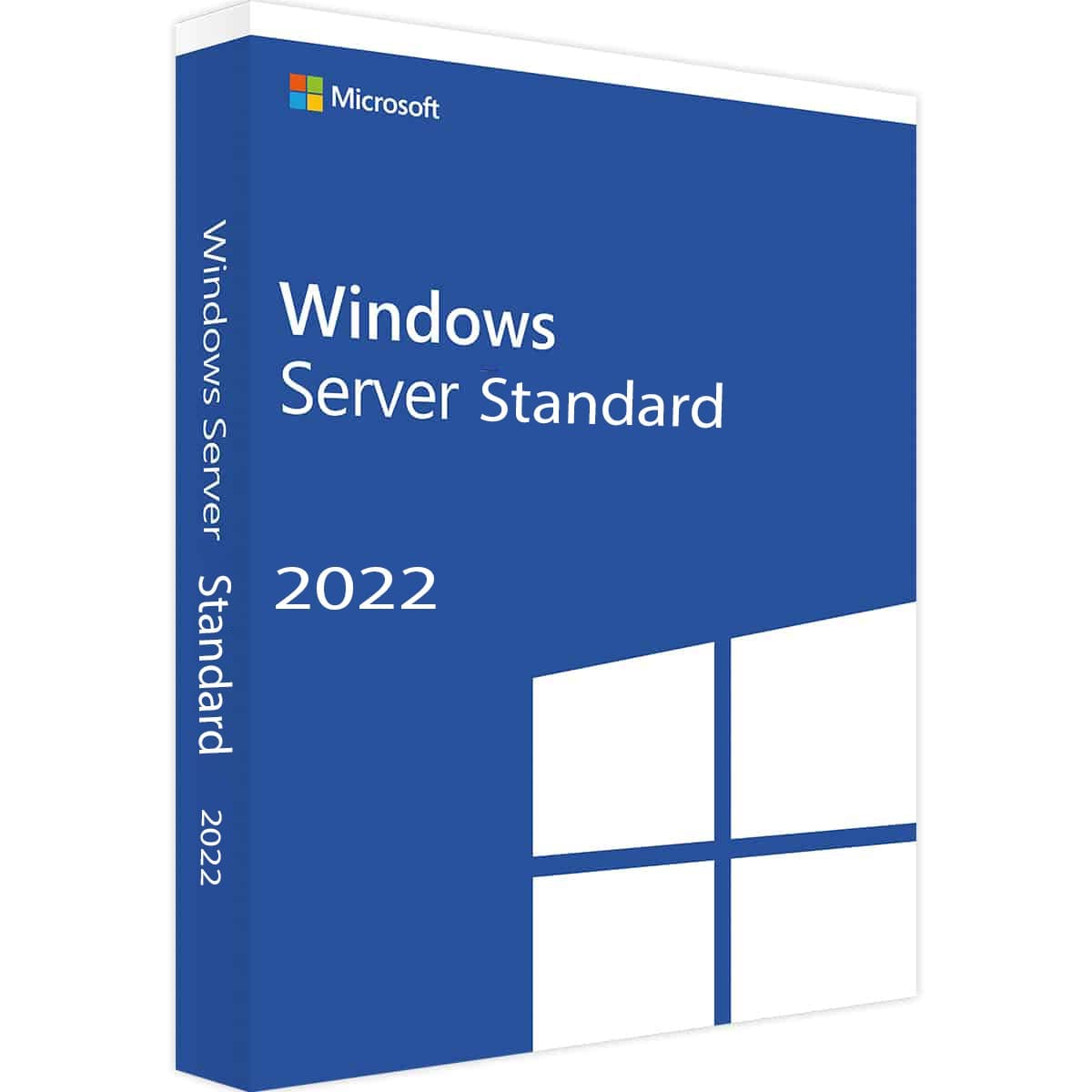
Windows Server 2022 Standard
- Delivery
- Instant, by e-mail
- Download
- Official Microsoft
- Brand
- Microsoft
$63,64
One-time payment · no subscription
- Instant delivery to your e-mailkey + download links
- Official invoice with every order
- Live chat help with activation
Pay with SKU WINSER22
Windows Server 2022 Standard for one physical server, covering two Windows Server VMs on Hyper-V. Domain, file, print, IIS and Remote Desktop roles included; CALs are sold separately.
What you get with Windows Server 2022 Standard
Your order is a product key for Windows Server 2022 Standard, Microsoft’s edition for physical servers and lightly virtualized setups. One Standard license allows Windows Server 2022 in two virtual machines on that server, with the physical installation used only to host them, or a single installation on the bare metal if you run no VMs. We e-mail the key with Microsoft’s download link and installation notes, and the PDF invoice comes with the order-completed e-mail. It’s a one-time purchase.
Roles you can run on Windows Server 2022 Standard
- Active Directory Domain Services and Certificate Services, so the server can authenticate users and issue internal certificates.
- DNS and DHCP servers for the basic network services of an office.
- File Server with DFS Namespaces, DFS Replication, data deduplication and Storage Spaces.
- Hyper-V with two Windows Server guests per license; process-isolated containers are unlimited, Hyper-V isolated ones capped at two.
- Storage Replica for one partnership and one resource group on a single volume of up to 2 TB.
- Secured-core server protections, when the hardware provides TPM 2.0, Secure Boot, DMA protection and DRTM.
Standard, Datacenter or the 2025 release
Microsoft licenses 2022 Standard per physical core: all cores in the server, at least 8 per processor and 16 per server. Standard is the usual choice for a domain controller, file server or application server with up to two Windows Server VMs. Storage Spaces Direct, Network Controller and shielded VMs (Host Guardian Hyper-V Support) are Datacenter-only, and so is the right to run unlimited VMs: see Windows Server 2022 Datacenter. Hotpatching and SMB over QUIC belong to Datacenter: Azure Edition in 2022, which runs only in Azure or on Azure Stack HCI. On new hardware you may prefer Windows Server 2025 Standard, where SMB over QUIC is part of Standard.
Activating Windows Server 2022 Standard
- Download the Windows Server 2022 ISO from the Microsoft link we send and install “Windows Server 2022 Standard (Desktop Experience)”, or the Standard entry without it for Server Core.
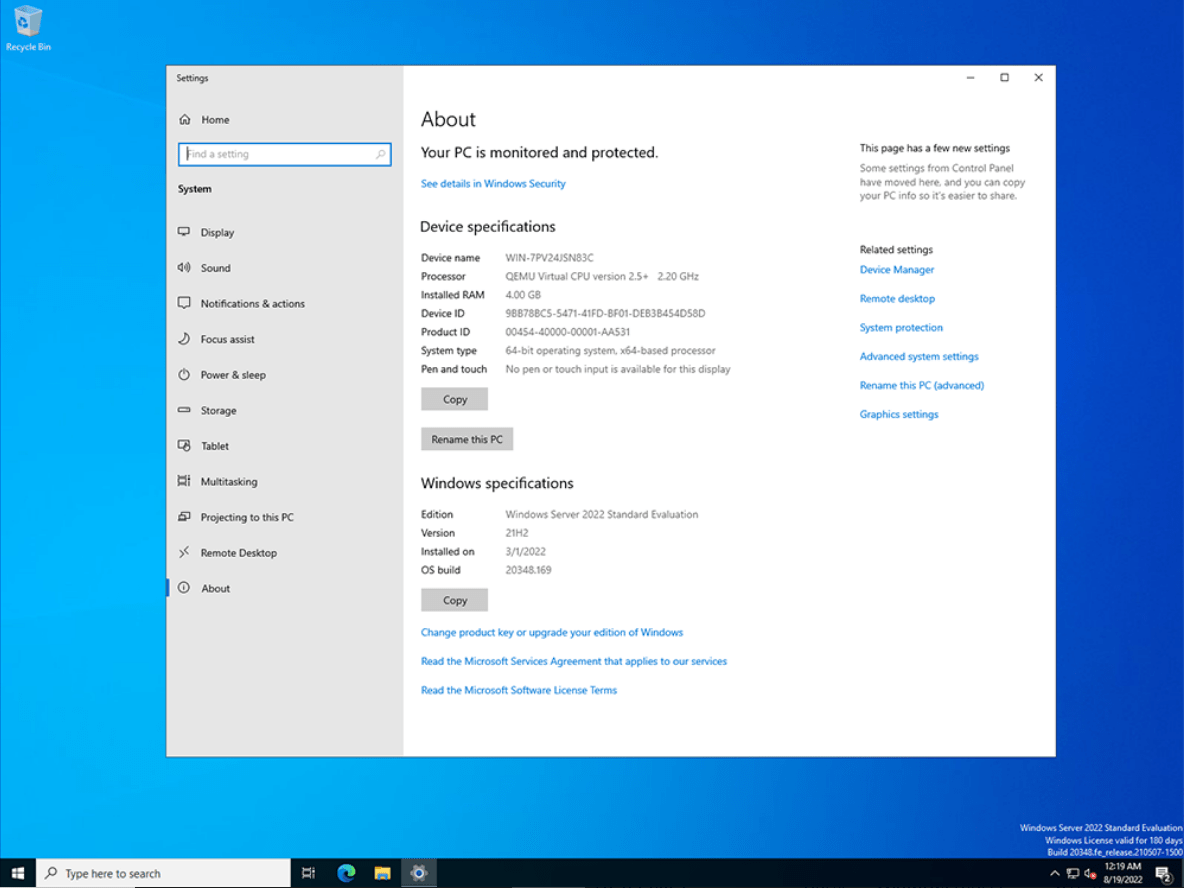
- Right-click Start and open Settings. Under Update & Security, pick Activation, then Change product key, and type the 25-character key. The About page in Settings has the same link.
- From an elevated command prompt, slmgr /ipk your-key and then slmgr /ato do the same on Server Core.
- If setup came from the evaluation media (Desktop Experience), first run DISM /online /Set-Edition:ServerStandard /ProductKey:your-key /AcceptEula (not possible on a domain controller).
For screenshots of every step, follow our Windows Server setup and activation tutorial.
System requirements
| Processor | 1.4 GHz 64-bit, x64 instruction set, NX and DEP, CMPXCHG16b, LAHF/SAHF and PrefetchW, SLAT (EPT or NPT) |
|---|---|
| Memory | 1 GB (Server Core) or 2 GB (Desktop Experience); ECC or similar for physical deployments |
| Storage | 32 GB system partition on a PCI Express storage adapter |
| Network | Gigabit Ethernet adapter |
| Optional | UEFI 2.3.1c with Secure Boot, TPM 2.0, 1024 × 768 display, keyboard and mouse, internet access |
Questions about Windows Server 2022 Standard
How many people can use the server?
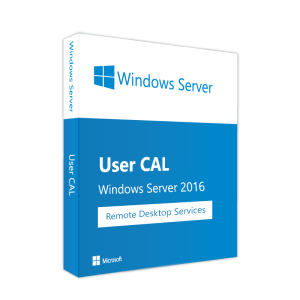
The limit comes from your CALs, not the edition. Each user or device accessing the server needs a Windows Server CAL, which this key doesn’t include. For Remote Desktop sessions you also need RDS CALs for 2022 or later, such as the Windows Server 2022 RDS 10 User CAL.
Can I upgrade my Windows Server 2016 or 2019 server?
Yes, both upgrade in place to 2022 from the installation media. Server Core stays Server Core and Desktop Experience stays Desktop Experience during the upgrade.
Does the key work on a Server Core installation?
Yes. Server Core and Desktop Experience are two installation options of the same Standard edition. Server Core has no desktop and is managed with PowerShell, SConfig, Windows Admin Center or RSAT from another machine.
1 review for Windows Server 2022 Standard
Add a review
You must be logged in to post a review.
✅ We provide an official invoice for every order, ensuring that your license is genuine.
✅ All the licenses we provide are original and can be used with your account on the official website to access the software.
✅ Every license includes detailed instructions on how to download, install, and activate the software
✅ For any issue, please connect with us via live chat. Our support team will promptly assist you in resolving the problem or provide a replacement if necessary.
✅ All the licenses we provide are original and can be used with your account on the official website to access the software.
✅ Every license includes detailed instructions on how to download, install, and activate the software
✅ For any issue, please connect with us via live chat. Our support team will promptly assist you in resolving the problem or provide a replacement if necessary.
You may also need
-84%
Development
Original price was: $334,45.$52,06Current price is: $52,06.
-93%
Original price was: $693,19.$46,28Current price is: $46,28.
-42%
Development
Original price was: $299,73.$173,58Current price is: $173,58.
Grigore Opritoiu (verified owner) –
Smooth process and purchase was finalized in less than 30 min.