
Tag Archives: Windows tips
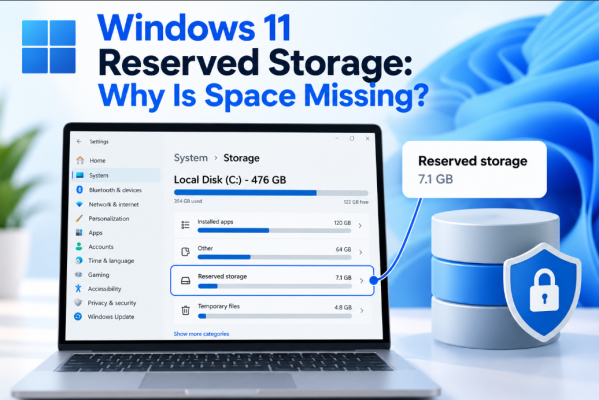
Windows 11 Reserved Storage: Why Is Space Missing?
Have you ever checked your PC’s storage and wondered why several gigabytes seem to be [...]
Sep
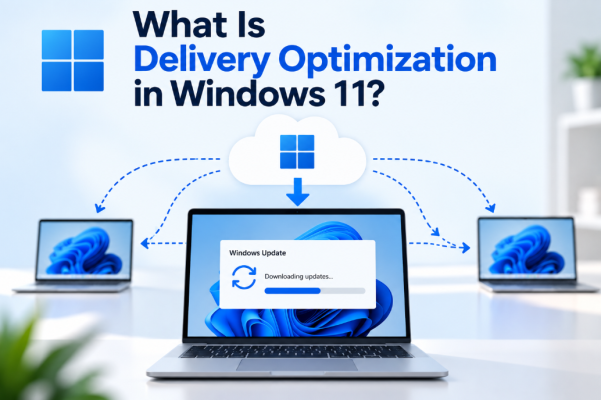
What Is Delivery Optimization in Windows 11?
Windows updates can sometimes involve downloading several gigabytes of data. Delivery Optimization in Windows 11 [...]
Sep
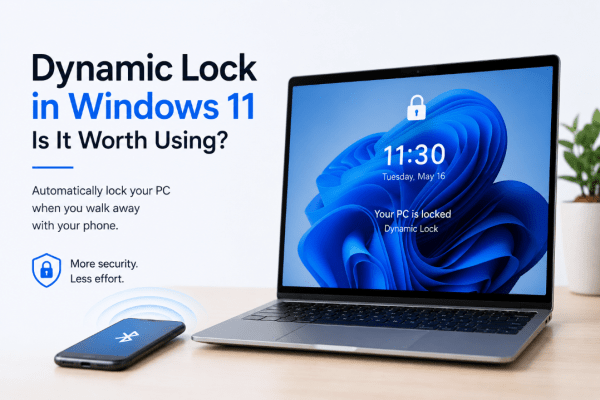
Dynamic Lock in Windows 11: Is It Worth Using?
Have you ever walked away from your computer and forgotten to lock it? Dynamic Lock [...]
Aug
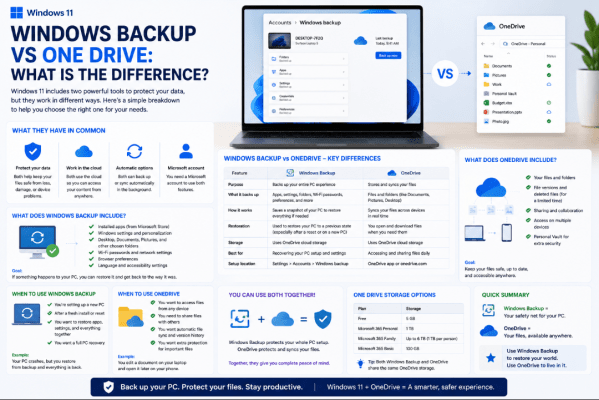
Windows Backup vs OneDrive: What Is the Difference?
Windows Backup vs OneDrive can be confusing because the two features work closely together. However, [...]
Aug
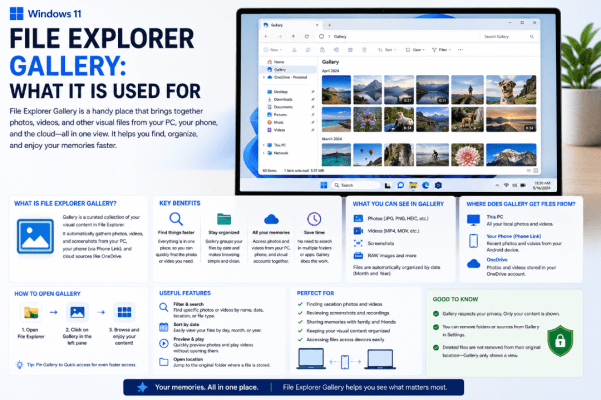
File Explorer Gallery: What It Is Used For
If you open File Explorer in Windows 11, you may notice an option called Gallery [...]
Aug
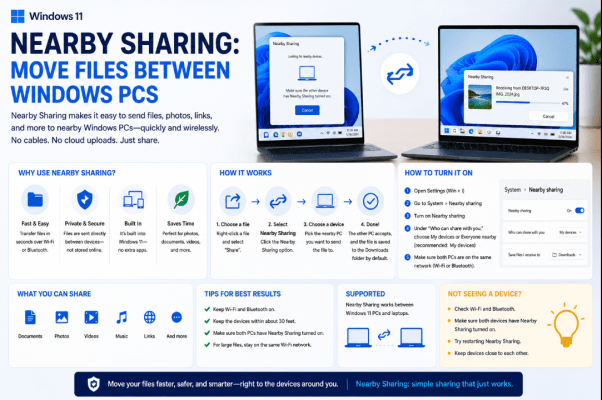
Nearby Sharing: Move Files Between Windows PCs
Need to move a photo, document, or other file from one computer to another? Nearby [...]
Aug
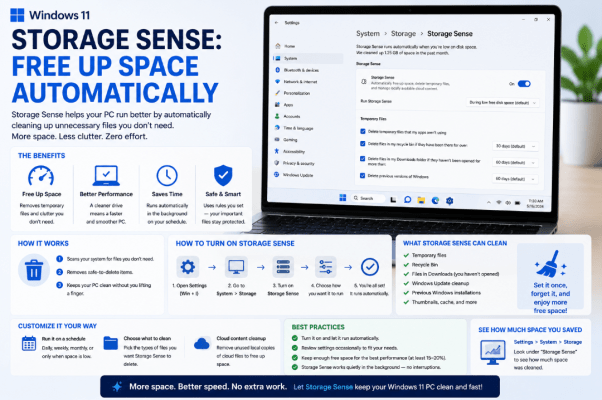
Storage Sense: Free Up Space Automatically
Running low on storage can slow down your PC and even make it harder to [...]
Aug
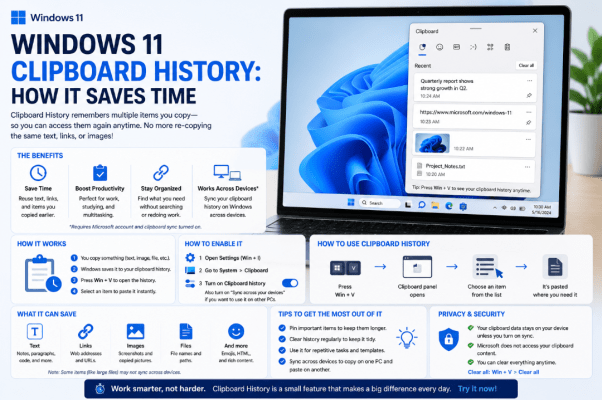
Windows 11 Clipboard History: How It Saves Time
Copy and paste is one of the most basic Windows features, but Windows 11 Clipboard [...]
Aug
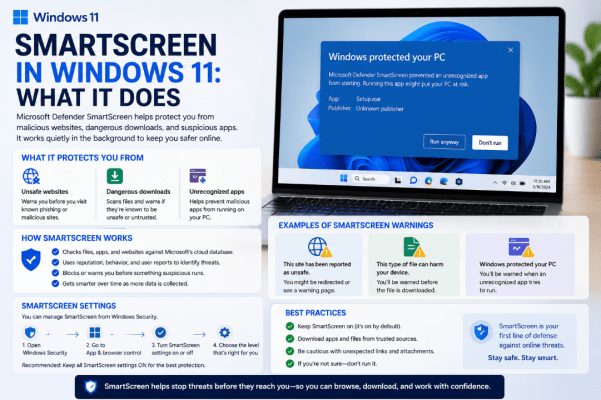
SmartScreen in Windows 11: What It Does
You may have seen a warning saying Windows protected your PC when opening a downloaded [...]
Aug
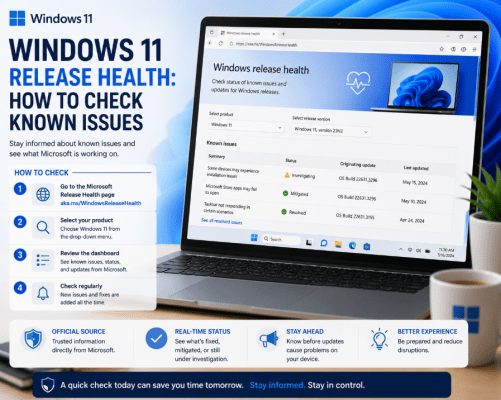
Windows 11 Release Health: How to Check Known Issues
Did a recent Windows update cause a problem with your PC? Before spending time troubleshooting, [...]
Aug