
Category Archives: Instructions
Step-by-step instructions on how to install and activate Microsoft software, including Windows, Office, Project, Visio, and more. Get clear guidance, helpful tips, and troubleshooting solutions for a smooth and hassle-free setup.
Windows 10 End of Support FAQ for Home Users
Windows 10 support has ended, and a lot of home users still have the same [...]
Jun
Biggest Windows Trends to Watch for the Rest of 2026
Windows is moving through a bigger transition than many people realize. The rest of 2026 [...]
Jun
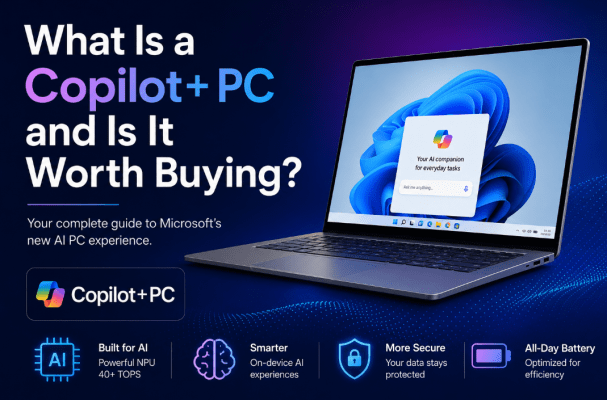
What Is a Copilot+ PC and Is It Worth Buying?
Copilot+ PCs are Microsoft’s new AI-focused class of Windows 11 computers. They are designed to [...]
Jun
Windows Search Improvements on Copilot+ PCs Explained
Search is one of those Windows features people use every day but rarely think about [...]
Jun
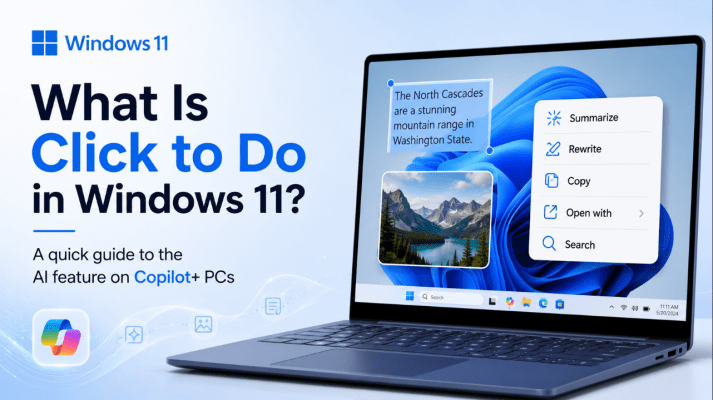
What Is Click to Do in Windows 11?
Click to Do is one of Microsoft’s newer AI-powered Windows features, and it is designed [...]
Jun
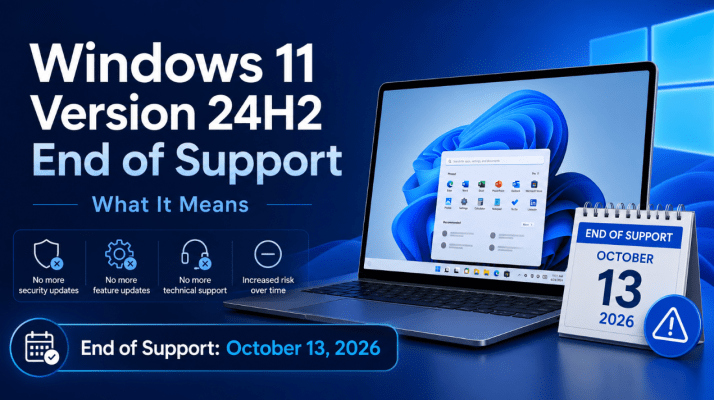
Windows 11 Version 24H2 End of Support: What It Means
very Windows version has a support deadline, and for Windows 11 version 24H2 that deadline [...]
Jun
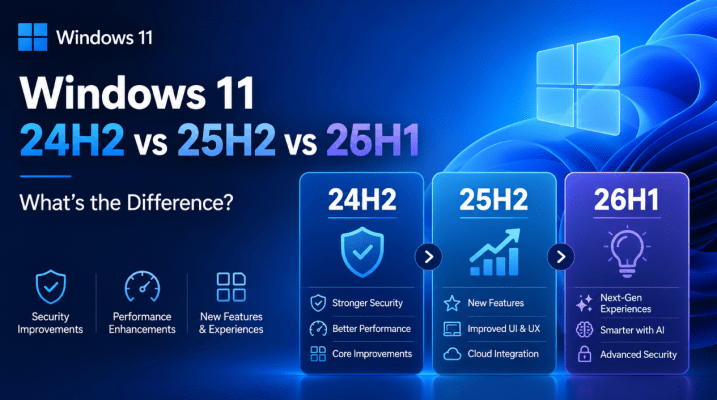
Windows 11 24H2 vs 25H2 vs 26H1: What’s the Difference?
If you have been following Windows 11 updates lately, you have probably seen version names [...]
Jun
Is Windows Recall Safe? Privacy, Settings, and What to Know
Windows Recall is one of the most talked-about Windows features in recent memory, and for [...]
Jun
Windows 10 Support Has Ended: What You Need to Do Now
Windows 10 support has ended, and that changes a lot for anyone still using it [...]
Jun
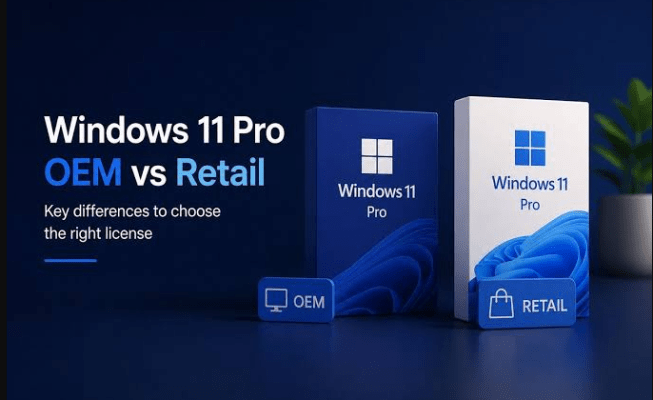
Retail vs OEM Windows Keys: What’s the Difference?
If you are buying a Windows key, one of the first things you will notice [...]
Jun